

WEBTOON: Manga, Comics, Manhwa review
 Analysis by GetAllApps
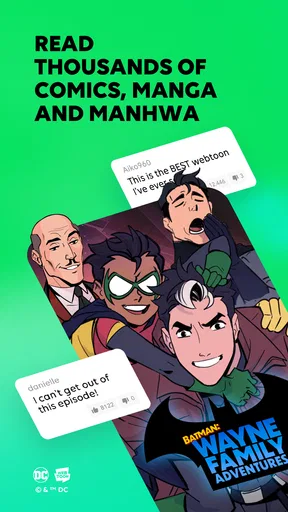
I like reading comics on a phone, but a reading app has to do more than put pages on a screen. It needs to make it easy to find a story, keep a reading habit going, and stay comfortable when I have only a few spare minutes. WEBTOON is built around comics made for scrolling, and that format makes it especially convenient for quick sessions between other parts of the day.
Published by NAVER WEBTOON, it is a free comics app for Android and iOS. The audience is substantial: it has passed 100 million installs and holds an average rating of 4.6 from around 4.6 million ratings. Those figures suggest a well-established reading community, though popularity alone does not tell you whether its style suits your tastes. In my view, its strongest appeal is the mix of an easy-to-browse comic library and stories designed to work naturally on a phone.
Reading at the pace of a scroll
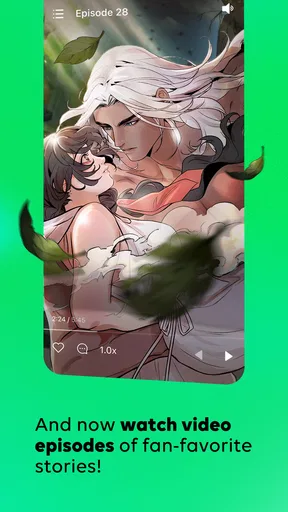
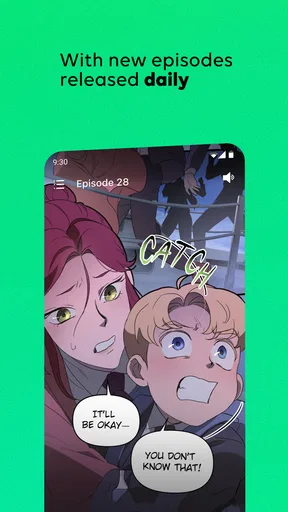
The main difference from many traditional comic readers is how WEBTOON presents stories. Episodes are arranged for vertical scrolling, so I can move through a scene with a thumb rather than repeatedly zooming, turning pages, or adjusting a two-page spread. That is a practical advantage on a small screen, particularly when I am reading one-handed on a commute or taking a short break.
It also changes the rhythm of reading. A creator can use space between panels to slow down a reveal or make a transition feel more dramatic. The result can be more immersive than shrinking a printed page to fit a phone. The trade-off is that scrolling is not the same experience as looking at a carefully composed page: readers who enjoy panel layouts, page turns, and printed manga conventions may prefer a dedicated manga reader or a physical edition.
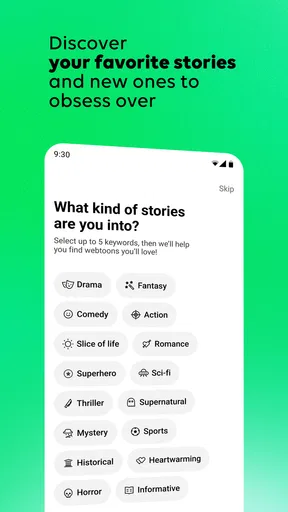
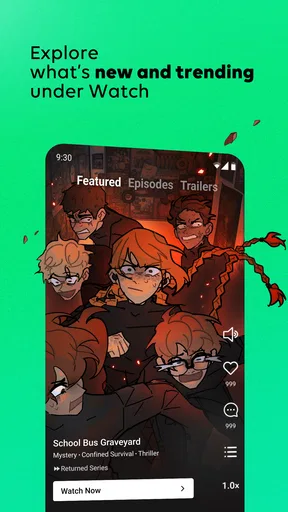
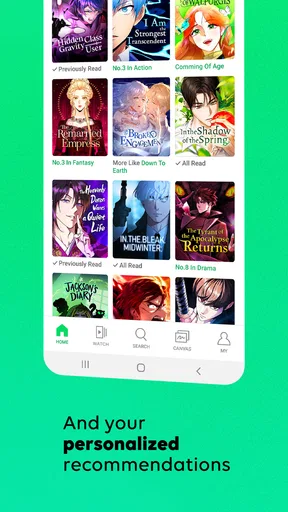
Finding something to read is part of the experience, not just a preliminary chore. WEBTOON is aimed at people willing to explore comics and manhwa across different tastes, rather than readers who arrive with one narrow series in mind. I would use it to sample a few openings before committing. When a story’s art or pacing does not click, it is easy to move on without feeling that I have invested much time.
Its best everyday use is a flexible reading routine: read an episode while waiting for a friend, continue a story during a lunch break, then pick it up again at home. That works better than treating every session as a long reading block. The vertical format makes it easy to stop at a natural pause, although the urge to continue can turn a planned five-minute visit into a longer one.
What the reading flow does well
For a phone-first comic, speed is not only about how quickly an app opens. It is also about how few adjustments I need before I can focus on the panels. WEBTOON’s scrolling approach avoids the repeated pinch-and-zoom routine that can make dense page-based comics tiring on a small display. I can keep the screen at a comfortable scale and let the story move down the page.
That convenience is most noticeable with stories built around expressive artwork and dramatic spacing. A pause between panels can carry meaning, and the continuous layout gives the reader control over when to reveal what comes next. I would not call this automatically better than page-based comics; it is a different tool for a different reading style. For phone reading in short bursts, though, it feels intuitive.
A useful habit is to judge a series by more than its first striking panel. I recommend reading enough of an opening to see how the dialogue, panel spacing, and episode pacing work together. A visually appealing first impression does not always mean the scrolling format or storytelling suits you over time. Sampling before settling on a regular series helps avoid building a reading queue around titles you do not actually want to continue.
When a session gets demanding
Long reading sessions put different demands on an app than a quick check-in. The screen stays active, the reader keeps scrolling, and several episodes may pass before I notice how much time has gone by. WEBTOON is easy to use in that situation because the core interaction is simple, but the same ease can make it harder to stop. I find it sensible to decide whether I have time for one episode or a longer stretch before opening a series.
Heavy use also brings a content-choice problem: a large catalogue is useful only if I can narrow it down without endless browsing. Rather than repeatedly scanning for something new, I would keep a small shortlist of stories that genuinely appeal to me and return to it when I have a few minutes. This makes the app feel more like a reading shelf and less like an open-ended feed.
For readers who want to follow several ongoing stories, it helps to separate discovery from reading. I would browse when I have time to compare titles, then use short sessions for episodes I already know I want to continue. That simple workflow reduces the chance of spending the whole break looking for a story and none of it actually reading. It is also a good way to tell whether the app’s range is a benefit for you or simply too much choice.
Reliability and the limits of a mobile habit
A comic app earns trust through continuity: I want to return to a story without having to remember exactly where I left off or re-learn how to read it. WEBTOON’s familiar scrolling format keeps the basic reading action consistent from episode to episode. If I switch between different kinds of stories, the presentation remains easy to understand, which makes the app approachable even when I am not a frequent comics reader.
Still, a simple reading interface cannot guarantee that every session will feel equally smooth. Connection quality, the device, and the size of an individual episode can all affect the experience of loading and continuing a story. I would avoid assuming that a large library means every title will be equally quick to open in every situation. On a weak connection, it is sensible to give an episode time to load before relying on it for a commute or another place where access may be unreliable.
For recovery after an interruption, the most practical approach is to make a small mental note of the series and episode you were reading if you expect to be distracted. That is especially useful when moving between several titles. It is a low-effort safeguard, not a claim that the app lacks reading-position tools; it simply helps keep a scattered reading routine manageable.
Device fit, age, and spending
The current version is 26.101.0 and the minimum operating-system requirement is version 9. The app is marked Teen, so I would treat that as a starting point rather than a substitute for checking whether a particular story is appropriate for a younger reader. Families may want to look at individual titles together, especially if a young person is browsing independently.
WEBTOON is free to install, with in-app purchases ranging from $0.29 to $199.99 per item. That broad range means it is worth paying attention before confirming a purchase, especially if you are exploring how paid options fit your reading habits. I would begin with the free experience and spend only when I understand what a purchase unlocks and whether it is worth it to me.
On older or lower-capacity devices, long sessions may be less comfortable simply because continuous screen use and frequent scrolling are more demanding than glancing at a text page. I would lower expectations for any phone that already struggles with everyday apps, and keep the device charged for extended reading. The minimum OS requirement tells you whether the software can be installed, but it is not a promise that every compatible device will feel equally responsive.
Who will enjoy it, and who may prefer another option
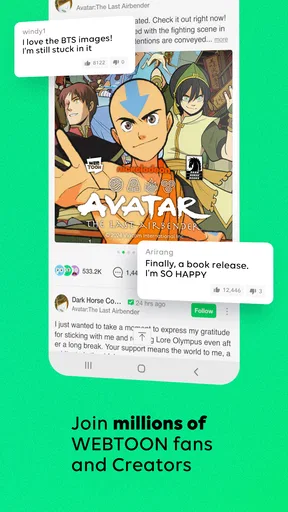
I would recommend WEBTOON to readers who want approachable comics on a phone, enjoy discovering new stories, or like the rhythm of vertical panels. Its scale is part of the appeal: it has around 108,000 written reviews as well as millions of ratings, and the community around it gives browsing a sense of variety. If you want a low-friction way to try comics without buying a dedicated reader first, the free entry point is appealing.
It is less suitable for someone who mainly wants to read scanned manga pages exactly as they appear in print, manage a personal collection of downloaded files, or avoid the possibility of in-app spending. In those cases, a page-oriented reader or physical books may fit better. Readers who dislike thumb-scrolling for long stretches should also test the format before making it their main way to read comics.
Compared with a typical ebook or PDF reader, WEBTOON is more purpose-built for episodic, vertically presented comics, while a general reader is often better for documents and page-based material. Compared with buying individual print volumes, it offers a more casual way to sample stories, but does not replicate the feel of paper or its fixed page composition. I see it as a convenient companion to other reading formats, not a reason to abandon every alternative.
My performance verdict
WEBTOON’s strongest performance quality is the way its format removes small obstacles from phone reading. A reader can scroll through an episode without constantly resizing pages, and that makes short sessions feel natural. Its current version, 26.101.0, sits within an established app with a large audience, but the real reason I would keep it installed is the practical fit between vertical comics and spare moments in the day.
My reservation is that convenience can encourage long sessions and endless browsing, while network or device conditions can affect how comfortable a particular reading session feels. I would use a shortlist, sample stories before committing, and be deliberate about purchases. Those habits make the large catalogue easier to enjoy without turning every break into a search.
Overall, WEBTOON is a strong choice if you want phone-friendly comics and are happy to read vertically. I would recommend it to a friend who wants to explore manhwa and other comics in manageable episodes, with the caveat that page-focused readers and people who prefer a tightly curated, purchase-free experience may be happier elsewhere. It earns its place as an accessible comics app, provided its scrolling style matches the way you like to read.
Pros and cons
Pros
- A large catalog makes it easy to discover new series.
- Vertical scrolling works well on phones.
- Many episodes are free to read.
- Daily updates keep ongoing stories fresh.
- Reader settings help tailor the reading experience.
Cons
- Some episodes require coins or a subscription.
- Free episode access may involve waiting.
- Popular series can have long gaps between updates.
- The app includes ads.
- Offline reading is limited for some content.


